
What Is an API? A Complete Introduction
API stands for Application Programming Interface: a set of instructions, protocols and tools that lets applications communicate and share data. Learn how APIs work, their main uses and types, and how to get started.
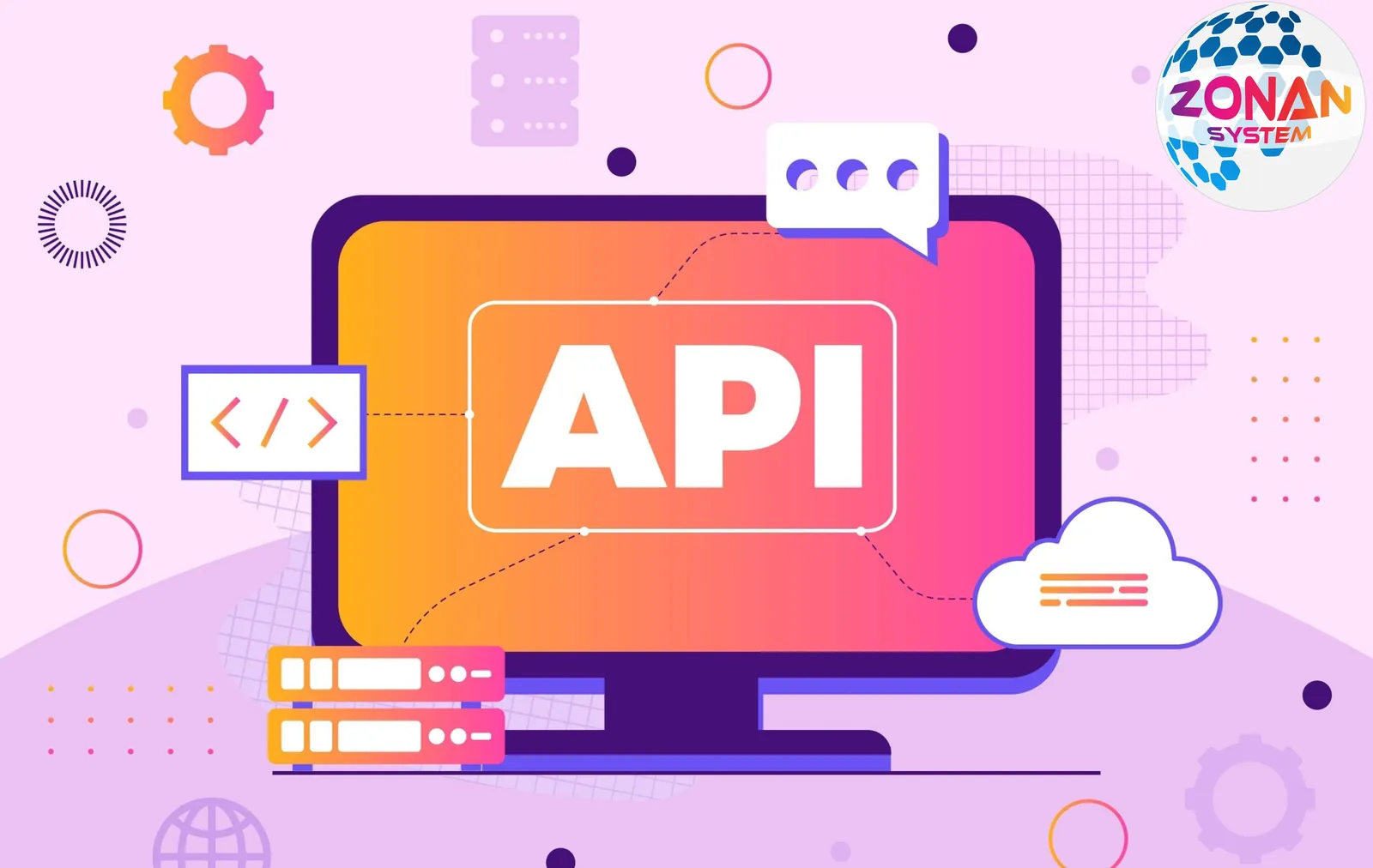
API stands for Application Programming Interface. It is a set of instructions, protocols and tools that programmers can use to communicate with other systems, services or applications and access their resources.
APIs allow programmers to connect to different systems, share information and create links between applications. They act as intermediaries between applications and various data sources, making interaction between these entities possible.
In short, APIs allow programmers to share information with other applications and services and make use of the resources available in those systems.
What Is an API?
API stands for Application Programming Interface. Broadly speaking, an API is a set of instructions, protocols and tools that allows programmers to communicate with other systems, services or applications and access their resources.
For example, in web applications, APIs usually act as the point of communication between the server and the browser. When you send a request to a website, that request may be received by an API and passed on to the relevant database or service. The service or database then returns a response to the API, which is then sent back to you.
In software development, an API acts as an interface between applications and services, making it possible to send and receive data, perform operations and enable interaction between the different components of an application.
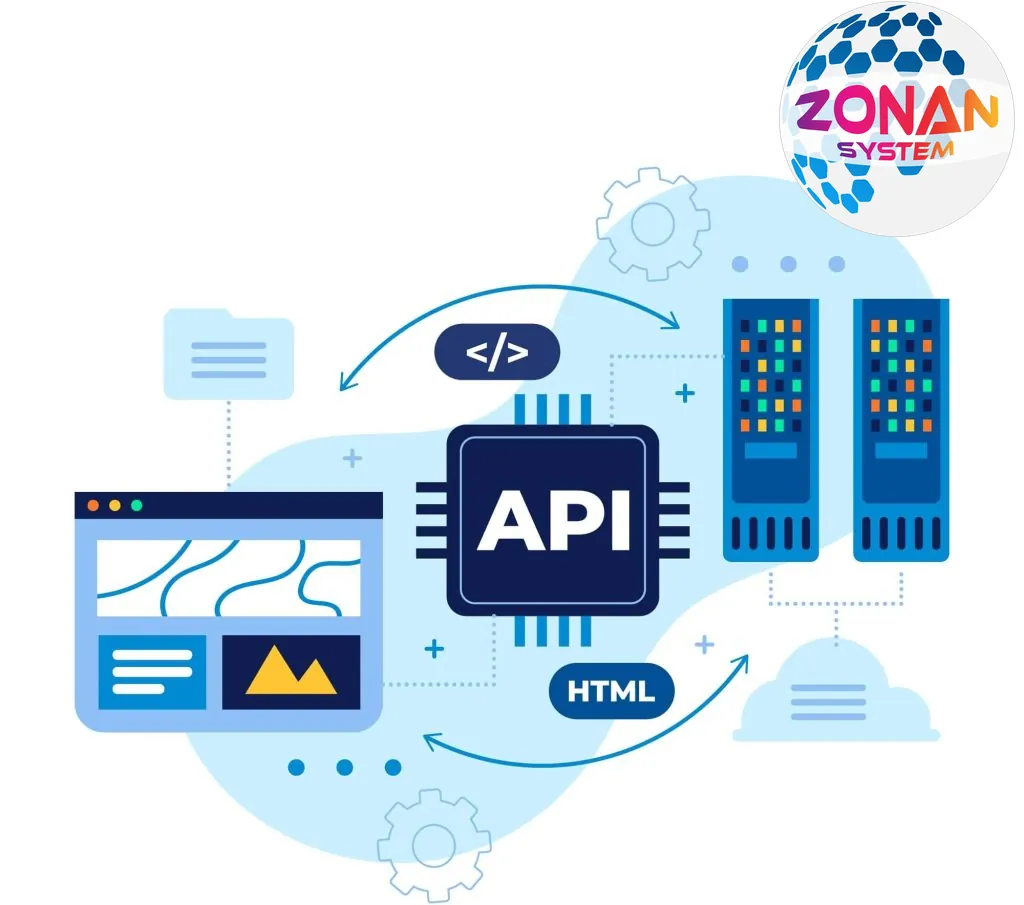
A Clear Example of How an API Works
A clear example of how an API works can be seen in web applications. Imagine you have a web application that needs to display the weather on a web page. To do this, you can use a weather API.
A weather API can provide weather information in response to your requests. For example, it might provide data such as temperature, humidity, wind speed and sky conditions based on your location.
Now suppose your application sends a request to this API asking for the weather in New York. Your application sends the request to the API, the API looks up the weather data for New York and returns the results to you.
Your application can then display this information to its users, for example by showing the temperature and sky conditions in a section of the web page. Here, the API has acted as an interface between your application and the weather service, allowing you to communicate and exchange data with an external service.
5 of the Most Important Uses of APIs
There are, of course, far more than five uses for APIs, but here are five of the most important:
1. Web and internet applications: APIs are used extensively on the web and the internet, including in technologies for sending and receiving data (such as RESTful APIs), online payments (using payment gateways such as PayPal and Stripe) and content-sharing services (such as YouTube and Spotify).
2. Social platforms and social networks: Social networks such as Facebook, Twitter and LinkedIn use APIs to offer developers capabilities such as publishing posts, retrieving user data and connecting different applications.
3. Cloud services: Cloud services such as Amazon Web Services (AWS), Google Cloud Platform and Microsoft Azure use APIs to manage resources, create and manage servers and carry out various operations in the cloud.
4. Mobile app development: Mobile apps on iOS and Android use APIs to communicate with cloud services, work with location services and perform various operations (such as payments).
5. IoT (Internet of Things): In IoT applications, APIs can be used for communication between smart devices, data stores and data analytics services, for example to collect data from sensors and send it to cloud services.
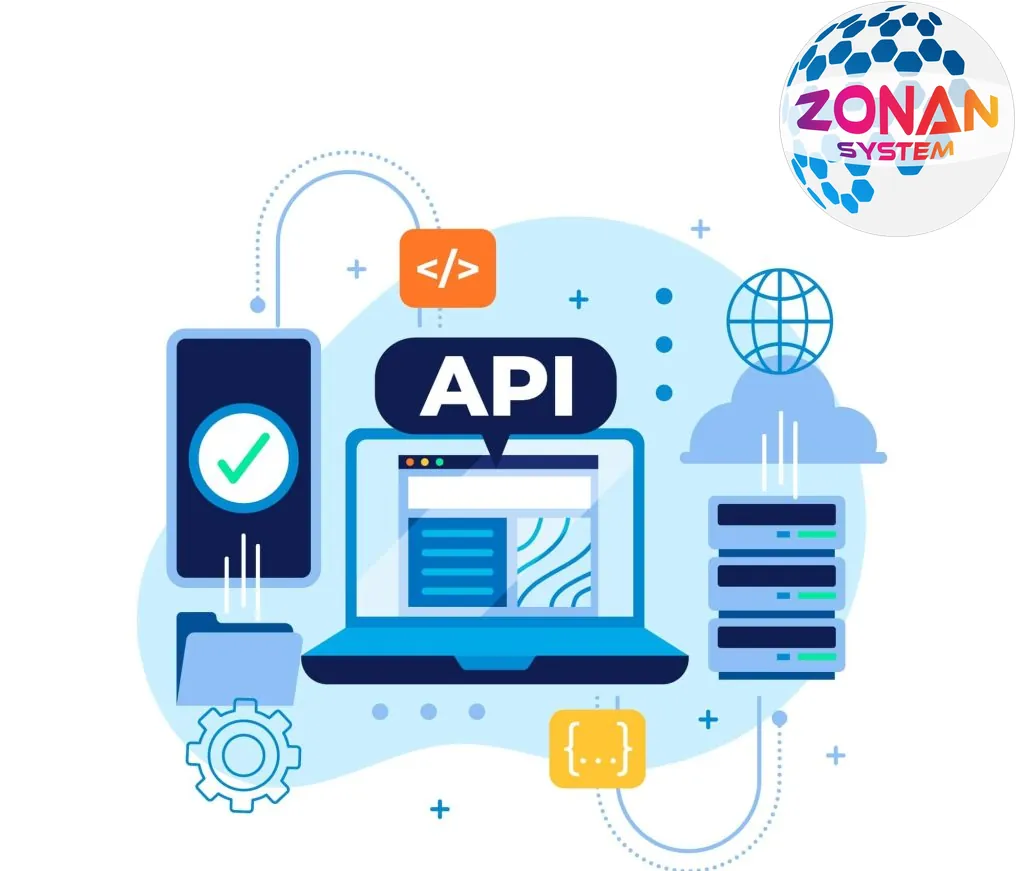
Types of API by Access Level
Based on access level, APIs are usually divided into three categories:
1. Public APIs:
– These APIs are publicly available for anyone to use, and using them usually does not require authentication.
– Example: social network APIs such as those from Facebook and Twitter, which offer features such as retrieving posts and sending messages.
2. Private APIs:
– These APIs are created for internal use within organisations and companies and are not publicly accessible.
– Access to them usually requires authentication and specific permissions.
– Example: internal APIs for a company's content management systems, CRM systems and inventory systems.
3. Partner APIs:
– These APIs are created for use by specific partners or developers who work with a company.
– They usually grant partners a particular level of access and may have certain restrictions.
– Example: APIs offered to developers working with a company so they can connect to specific services, such as PayPal's payment APIs for online shops.
The Difference Between an API and a Website
An API and a website are two different terms in information technology, but they are related and work together.
1. Website:
– A website is a collection of pages and information made available over the internet and accessible through web browsers.
– Users can visit a website to view information, buy products and services or interact with various kinds of content.
2. API (Application Programming Interface):
– An API is a set of methods, instructions and tools used for interaction between different applications and services.
– Using an API, applications can send and receive data, perform various operations and interact with other applications and services.
In fact, a website may use one or more APIs to communicate with other services. For example, an online shop might use a payment gateway's API to process online payments, or use a shipping or courier service's API to dispatch orders to customers.
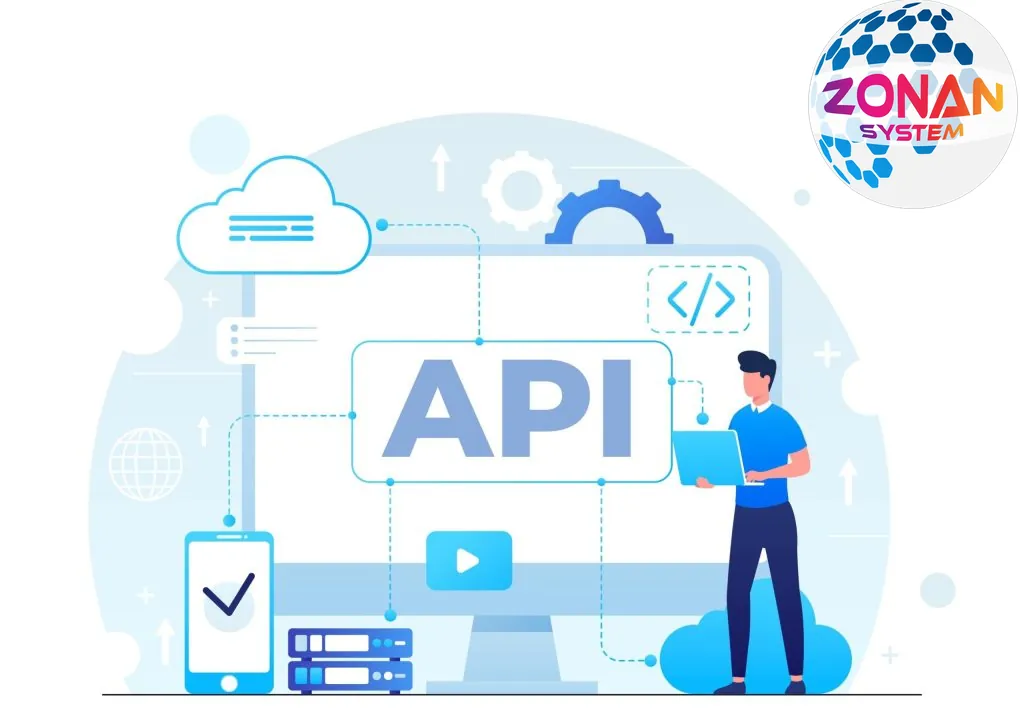
How APIs Serve Users
APIs serve users by providing programming interfaces for using different services and data. This makes it possible to connect and enable interaction between applications, websites and services. Through an API, users can programmatically access various resources and services and carry out different operations. Some of the ways APIs serve users include:
1. Data access: Using an API, users can access various data and information, which may come from databases, files, web services and so on.
2. Performing operations: APIs allow users to perform various operations on data or services, such as creating, editing, deleting and searching.
3. Sending and receiving data: Users can use an API to send data to services and receive data from them, in formats such as JSON or XML.
4. Interacting with external services: Using APIs, users can interact with external services and use their features and capabilities, for example sending messages through messaging platforms.
So APIs allow users to interact with and use different services and data programmatically.
Accessing APIs
To access APIs, you can follow these steps:
1. Find a suitable API: First, find an API that meets your needs. APIs can be found by searching online, through API marketplaces such as RapidAPI or on GitHub, or in the official documentation of the services and companies that provide them.
2. Obtain an API key: Some APIs require an API key, which you can get by registering on the API provider's website. The API key acts as an identifier to recognise you and grant you access to the service.
3. Read the API documentation: Before using an API, it is best to read its documentation so you understand how to use it, its parameters, how to send requests and receive responses, and other details.
4. Use the API in your application: Once you have read the documentation, you can use the API in your application. This involves sending requests to the relevant API endpoint and processing the responses you receive. To communicate with an API, you can use various libraries and tools, such as Requests in Python, Axios in JavaScript and Retrofit in Java.
5. Manage and monitor API usage: Once you start using an API, you may need to monitor its performance and usage. Some services also provide statistics and reports on API usage, which you can use to manage your usage better.
With these steps, you can easily connect to the API you need and make use of its features and capabilities.
Conclusion
APIs, or application programming interfaces, are tools that enable communication between applications, websites and services. Using an API, applications can access data, perform various operations and interact with other services. These interfaces make it possible to send and receive data, carry out operations and interact with external services. Using an API starts with its documentation and API key, and requires careful study and monitoring of usage.

Zonan System Team
Software & AI team
Developers, designers and AI engineers at Zonan System, writing about practical AI, software development and digital business.
Need advice for your project?
Zonan System experts will guide you for free.



Comments (0)
Be the first to comment.